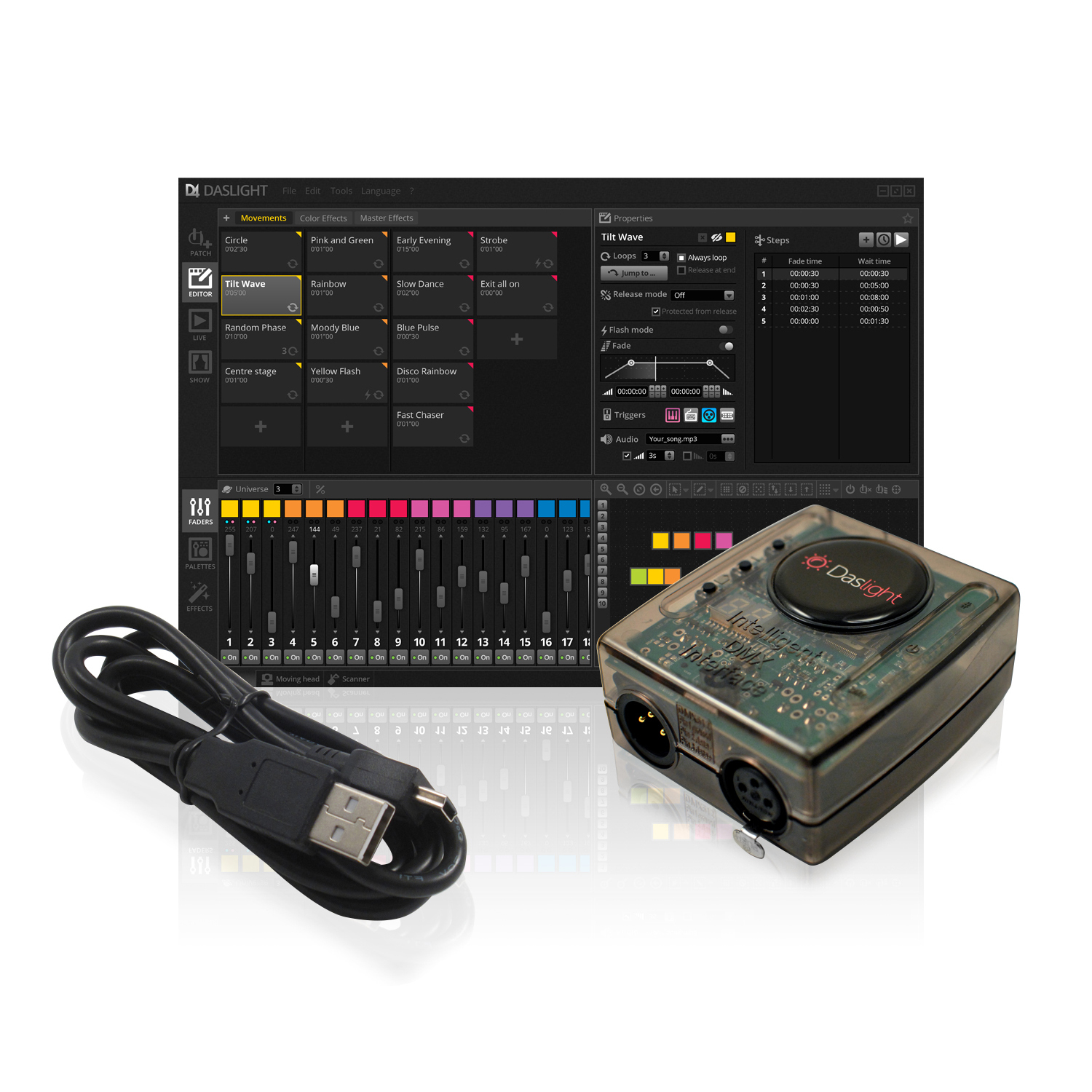
Description
Connect
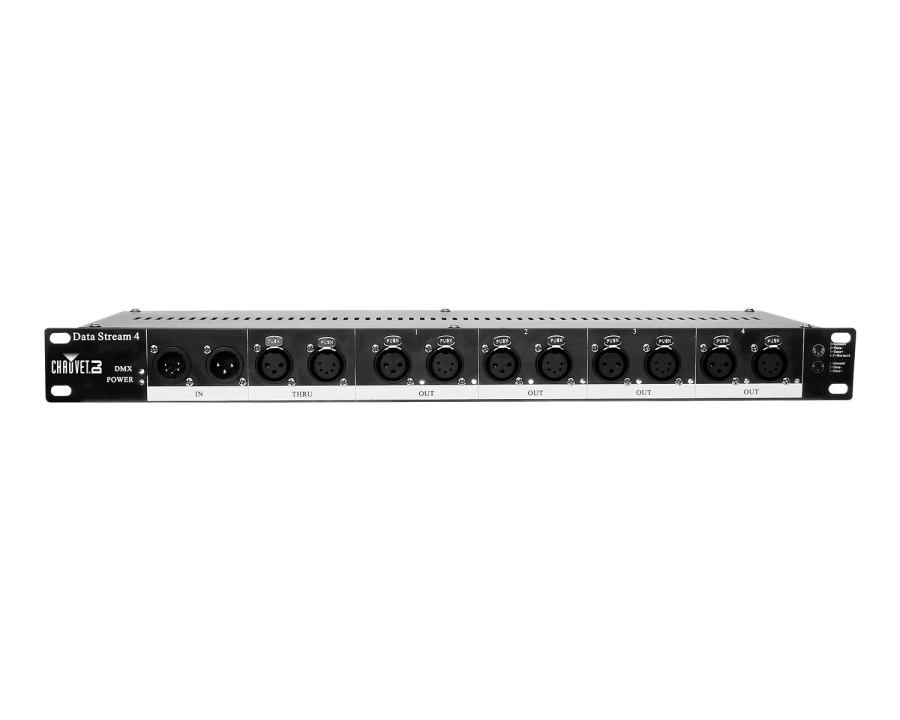
Daslight 4 can be used with any DMX512 compatible lighting fixture. Lights are linked to your PC or Mac by connecting an XLR cable to one of Daslight’s DVC4 USB or Ethernet DMX interfaces.
Patch
Choose from our library of over 15,000 fixture personalities (SSL2 files), or create your own using the Scan Library editor (included). Adding a lighting fixture to your show is as simple as dragging from the library and dropping onto the patch grid.
Arrange
Map out lighting fixtures on the 2D view, either by dragging and dropping or using the shape generator to create lines, circles and matrices. Create a different layout for each type of light, and then a master layout which can be shown by clicking the General tab. Lights can also be sorted into groups for quick selection.
Build
Build your show with ease using Daslight 4: create a scene, select some lighting fixtures, and set the levels with the faders. Create a dynamic scene by adding steps. Jump between steps with wait times or change gradually with a fade time. Scenes can be arranged into color coded groups and stacked to quickly combine different effects.
Palettes
The Palettes provide quick control of your lights without the need to move faders. Control movement with a pan/tilt grid, set colours with the wheel, and create fan positions and coloured gradients using the new linear fan tools. The palettes also allow you to control different types of lights at the same time, even if the channels are configured differently.
Effects
Powered by Daslight’s XEEL effects engine, hundreds of different effects can be generated and stacked with ease. Pixel effects are used to create chases, video effects for LED matrix mapping, position effects for moving heads and scanners, or curve effects for generating waves on channels.
Play
Daslight 4 takes advantage of every pixel on your screen. We have packed in over 150 scenes on a 1920x1200 screen without moving and scrolling windows. The new live toolbox provides touch-screen friendly buttons for creating live edits, jumping between scenes, tapping a pulse and more.
Sync
Daslight 4 can be combined with a variety of inputs for the ultimate live experience. Trigger scenes and control levels with a multi-touch screen, iPhone/iPad/Android or MIDI/DMX controller. Synchronise with the BPM or pulse of the music via Daslight’s audio analyser or MIDI clock.
Visualise
Get to your gig fully prepared by building your lighting show before arriving. Lay out your show with moving heads, scanners, LEDs, trussing and staging. Pre-render lighting effects, colours, dimmers and gobos with the all new real-time 3D visualisation tool.